

How To Create Toefl Account

This will be the bit of the process that will be mandatory as you will have to not only register for the TOEFL-ibt test, but, having an account, also unlocks a number of options that we can do with our score, like, sending progress reports, rescheduling your test, purchasing official material, and much more.
Here I will go step by step explaining how to create an account on the new platform of ETS.
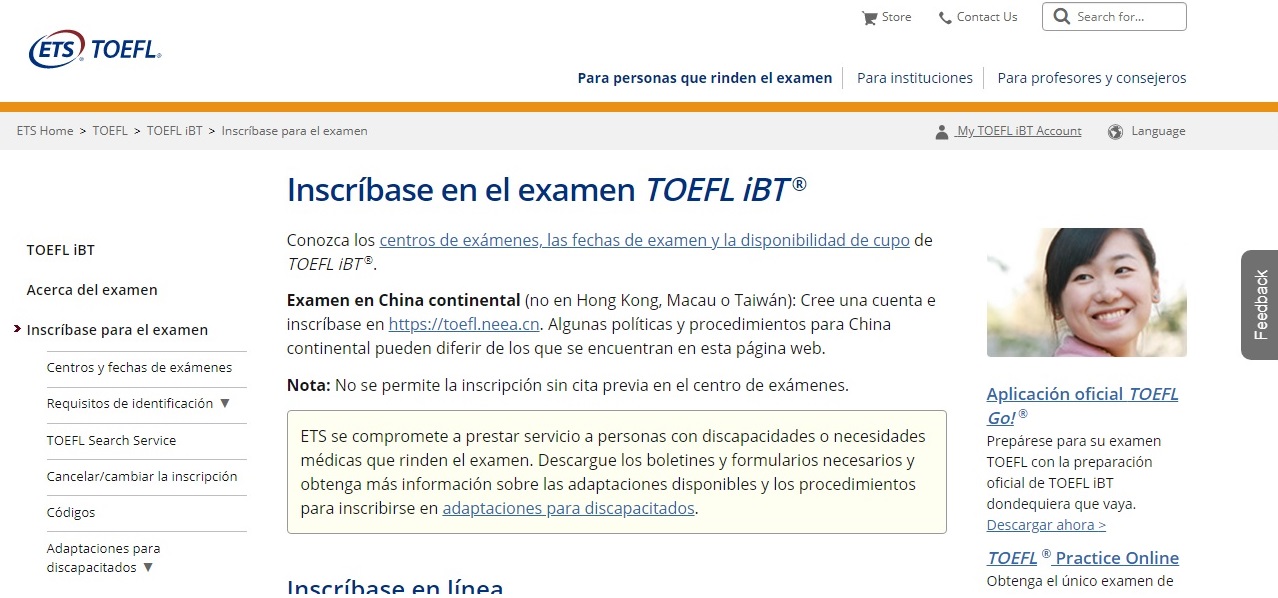
- Go to https://www.ets.org/toefl and in the top right corner click on the My TOEFL.ibt Account. (keep in mind that depending on your location, you can be forwarded automatically to the format of your local language. However they all have the same button)
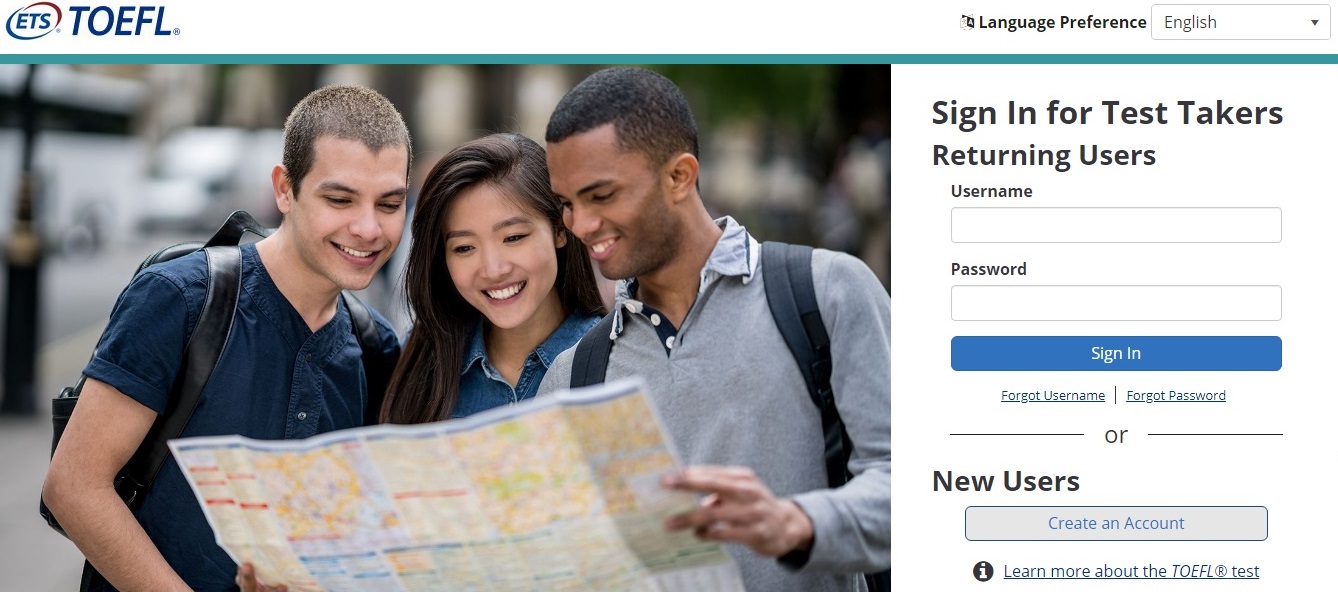
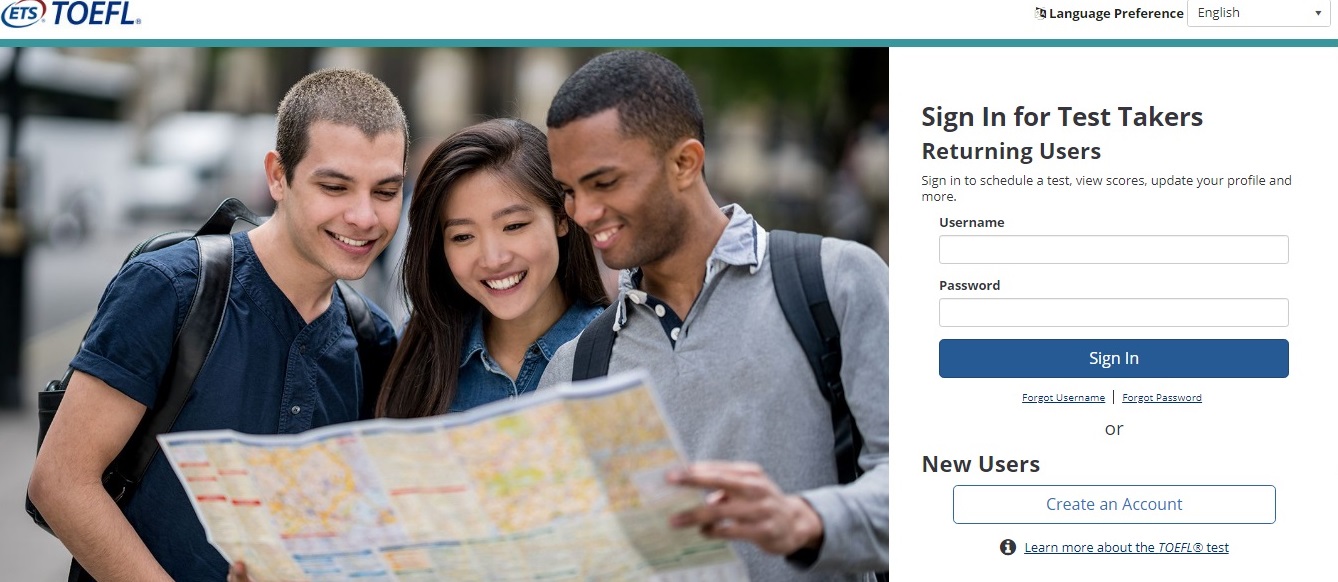
2. We will be forwarded to a new site where we get to sign in. since we dont have an account yet, we must scroll a bit lower to where it says New User and click on Creat Account.
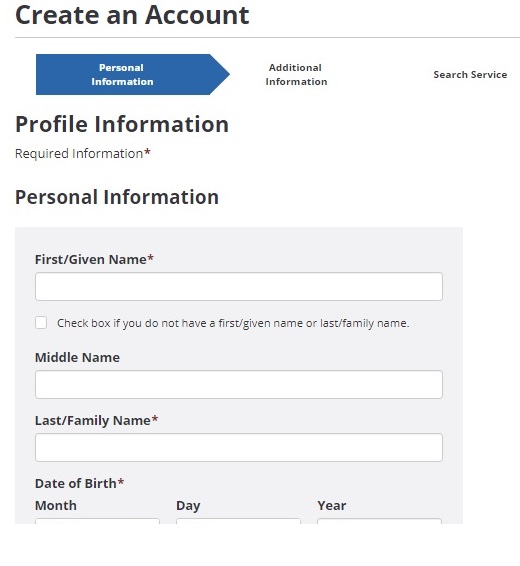
3. In order to create the account, we must enter some of our personal information (Keep in mind that when registering for a test, we must verify our ID number and for the Test day, we must present such ID, so it is important to input valid information).
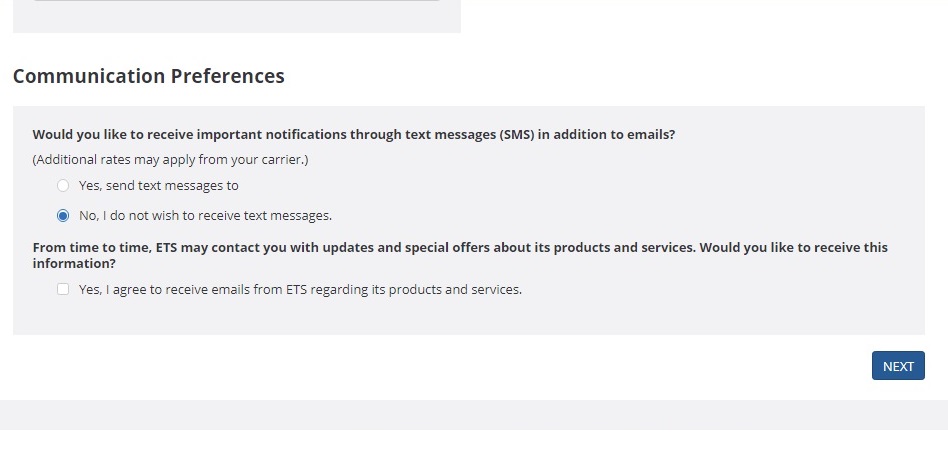
Once we have filled it out, we scroll to the bottom and chose if we'd like to receive some notifications from them. I recommend you don't, as it may be annoying to get some emails still when your TOEFL days are over, but it's up to you.
When you have decided which option to choose, click on Next.
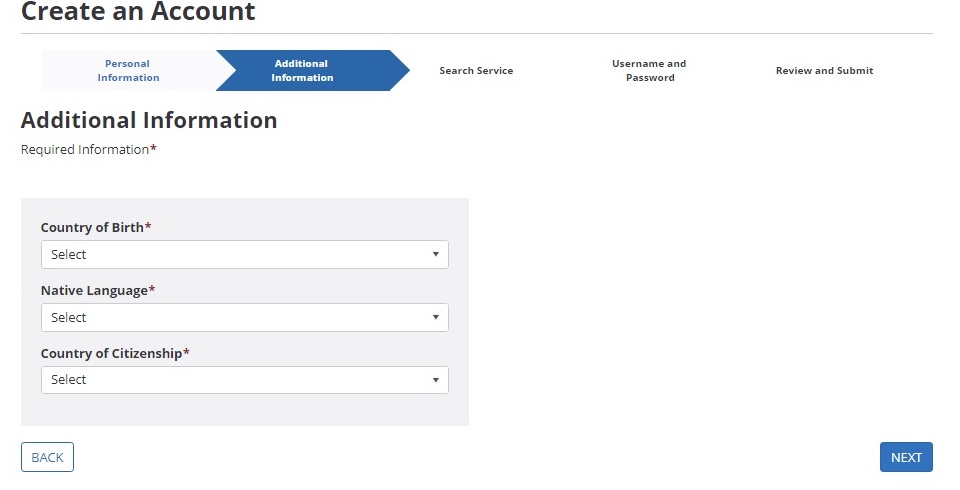
4. Then we will continue with another round of personal information questions. Fill them and click Next.
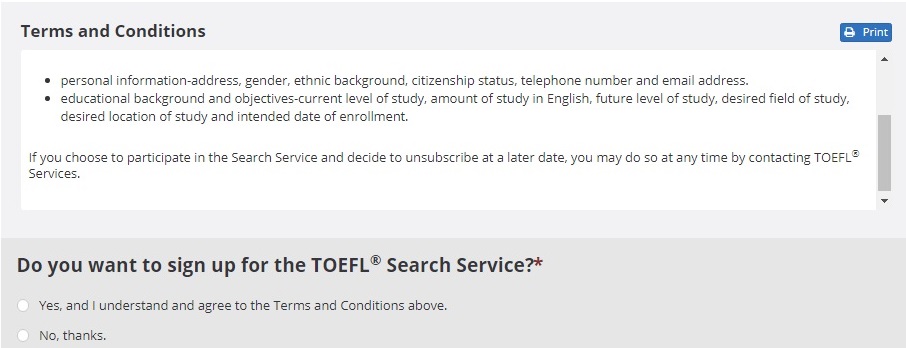
5. This is a servise that is offered by ETS to help schools find you. I usually dont recomend students to go with this, as students usually have their 2 or 3 ideal schools already set in mind and arent looking for other alternatives.
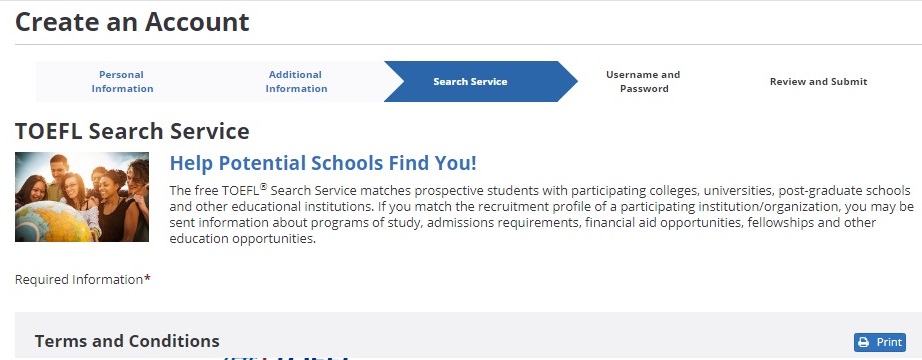
After you have made your choice, click Next.
6. Then we will be requested to create a user name and a password.
The username must be one not already in use by another user, and the requirements of the password, are:
- at least 1 number
- at least 1 letter
- at least 1 lowercase
- at least 1 uppercase
- and a minimum of 8 characters in length.
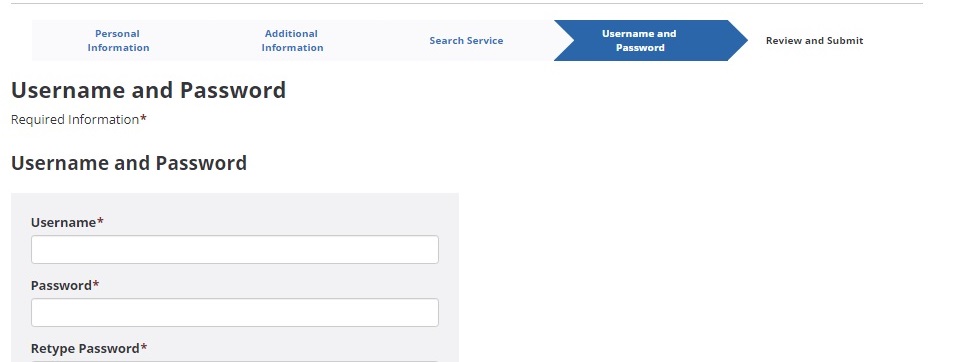
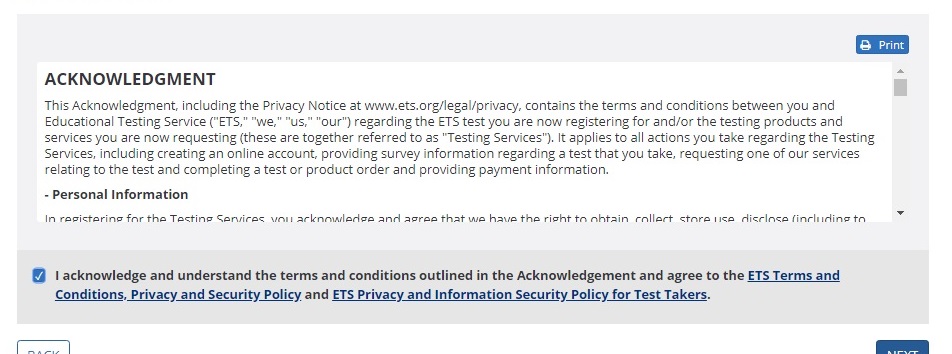
Once it is set, we scroll to the bottom and accept the Acknowledgment and click on Next.
7. The final step is to review the information inputted making sure that all is spelled correctly.
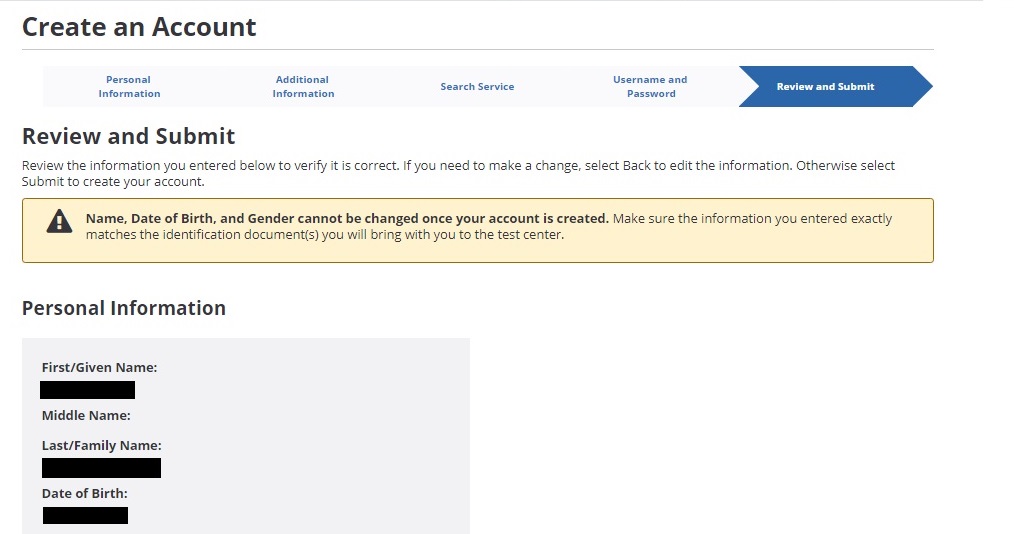
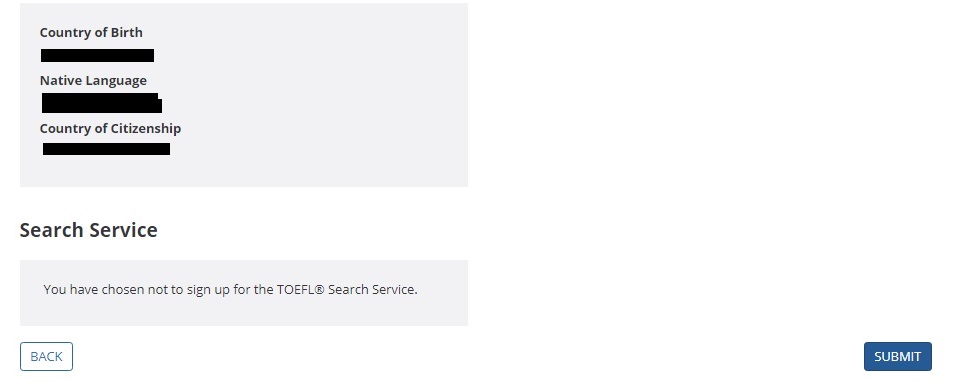
If you need to edit anything, click Back to the appropriate step and edit it. If all is ok, then click on Submit
8. Congratulations, your account has been created. You will recieve an email verifying that your account was created.
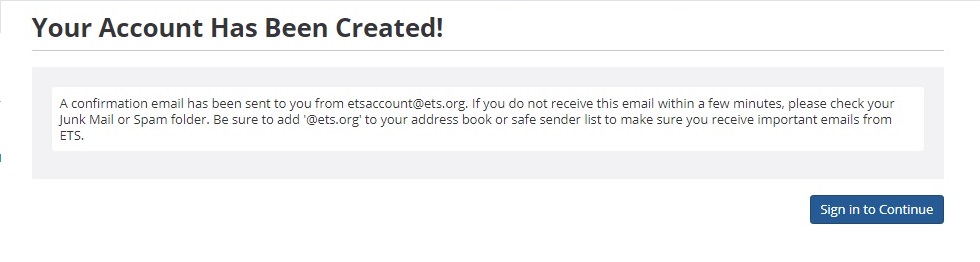
Now to log in all you have to do is go to your account, and input the username and password and you can access all the services that the TOEFL-iBT offers.
After this, all you have to do is plan when you want to take the test, and register.
To check out our post on how to register for this test, click here.
How To Create Toefl Account
Source: https://choosingpath.com/creating-a-toefl-ibt-account-on-ets-illustrated/
Posted by: gintherwascond.blogspot.com
0 Response to "How To Create Toefl Account"
Post a Comment